
Configuring Timer Settings
Adjust how JetTime's timers work.
JetTime provides options to customize how timers work, so they align with your team's workflows and requirements.
How to Configure Timer Settings
Open Timers
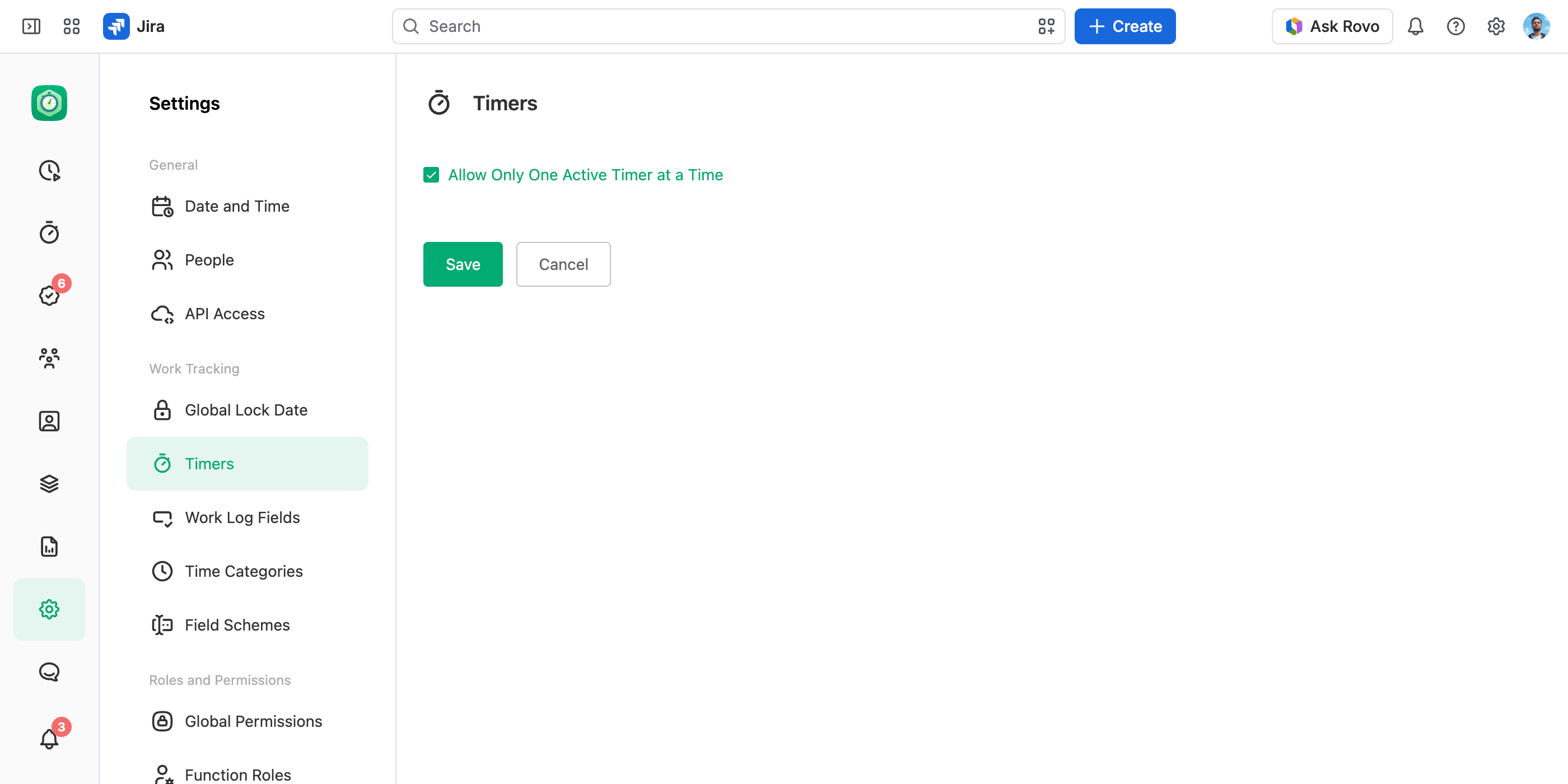
In the JetTime app, navigate to Settings › Timers (under Work Tracking).
Modify Preferences
Adjust the following options as per your requirements:
- Allow Only One Active Timer at a Time. Restrict users to have only one timer running at a time.
Save Your Changes
Select Save to apply your changes, or Cancel to drop them.
Additional Tips
- Changes apply globally and impact all users in your Jira instance.
- To make a description, an account, or any other field required when logging work, use Field Schemes — required fields are set there, per work item.
These settings ensure time tracking processes are well-structured and compliant with your organizational needs.